How to Write on Signs in Palworld
If you can’t figure out how to write on signs in Palworld, don’t worry, we’ve got you covered. We’ll explain the whole process in this guide. And while we’re at it, we’ll also talk about the issue where you can’t write on signs on Xbox, because yes, this is another problem that version inexplicably has. Let’s begin!
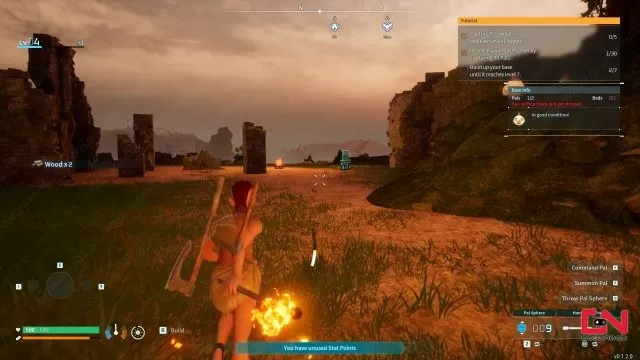
Palworld How to Write on Signs Explained
To write on signs in Palworld, you first need to know how to make them. They unlock at level 7 and cost just one Technology Point. As far as materials go in, one sign requires just ten Wood. That’s all there is to it. And considering signs are completely unnecessary in the bigger picture, aside from organizing your stuff, that’s plenty. Once you place a sign down, approach it and hold F to interact with it. Doing so will bring up a text box, in which you can write whatever message you want. Well, not whatever you want, some words are forbidden. To complete the process, click the Write button at the bottom, and you’re done. I don’t know whether there are any differences in controls on Xbox, but that doesn’t even really matter. What do I mean by that? Well…
Palworld Can’t Write on Signs Xbox Issue
Now that we’ve covered how to write on signs in Palworld, we do have to address the situation on Xbox. Namely, those players cannot write o signs at all. Which really defeats the whole point of a sign, wouldn’t you agree? I mean, what else would be the purpose? So, Xbox players are advised to forget about signs for now. Don’t waste the wood and wait for the developers to roll out a patch. Boy, Xbox players really got the short end of the stick with this launch, huh? There’s several basic things that jut don’t work as they’re supposed to. Don’t worry, though, I’m sure the developers will get right on it. As soon as they manage to handle the insane amount of unexpected attention and all the consequences it comes with.


In xbox you can write on signs even change the color its about paying attn to where the cursor is at it takes a min but figuring out you have to move it to the red x in top corner to close, or down to text box and then click x, to finish move cursor to highlight write then x again. Note: to change color for the text the code is textammoammo works